Save changes to the dashboard filters
We have updated the dashboards in the SoundCommerce Retail Application to retain changes you make to the filter settings.
To preserve your filter settings for a particular view, select Update.
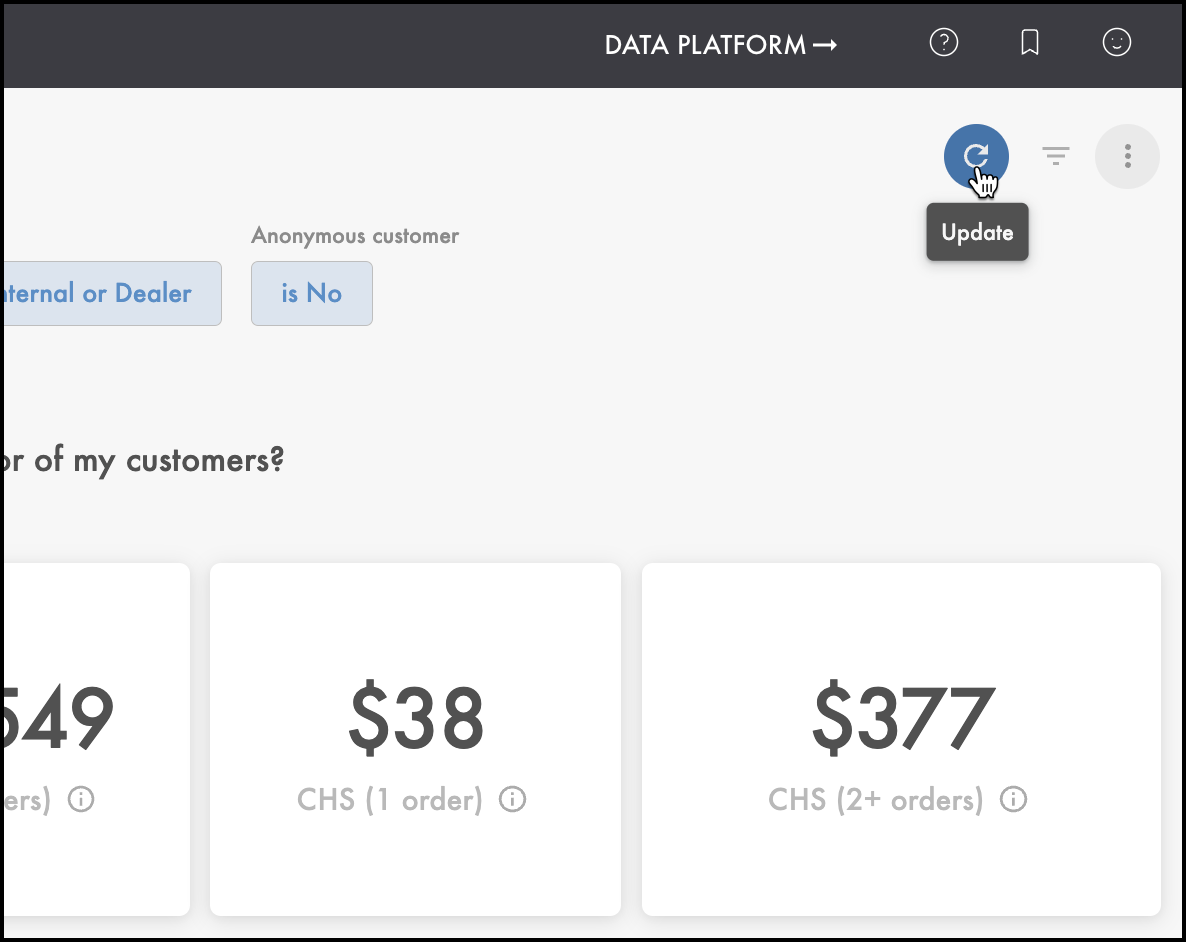
Your changes will be saved automatically, so that when you re-open the dashboard, the filter selection will be consistent with the most recently updated configuration.
To discard your filter settings for a particular view, from the Dashboard actions menu  , select Reset filters. The dashboard will return to its default filters.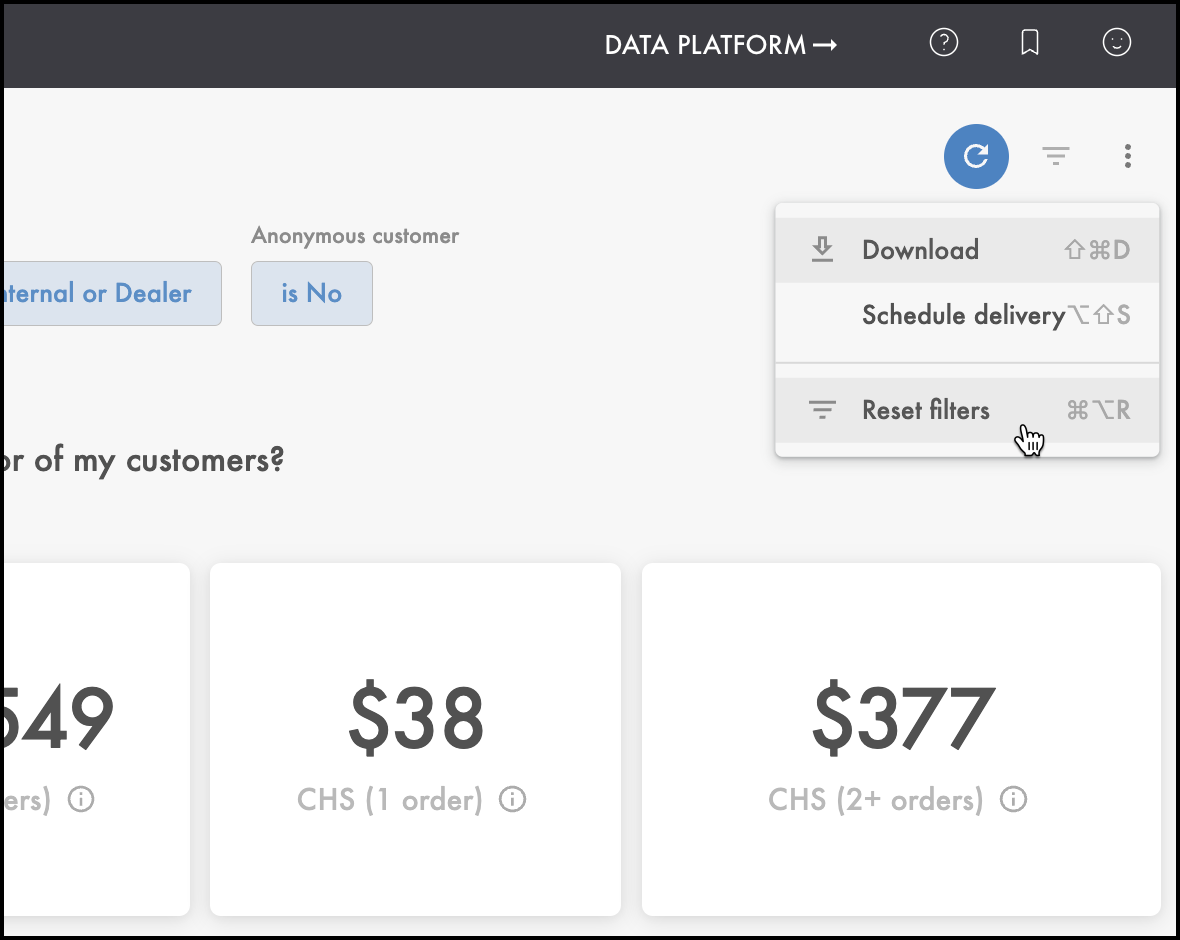
Comments
0 comments
Please sign in to leave a comment.