The Data Dictionary contains definitions for data fields and metrics that you encounter in the dashboards. Each entry provides a description, the underlying business logic or formula used to derive the metric, and the value type (dimension or measure). Dimensions include qualitative values, such as names and locations, while measures are quantitative, or numeric, values.
Custom fields
If your organization's dashboards contain fields that are unique to your business, those fields can be added to the Data Dictionary upon request.
Where to find it
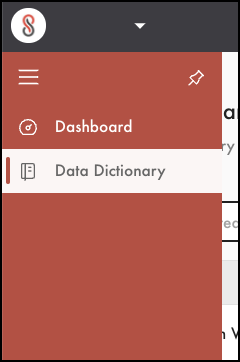
- From the left pane, select Data Dictionary
- In the filter, enter the field or metric
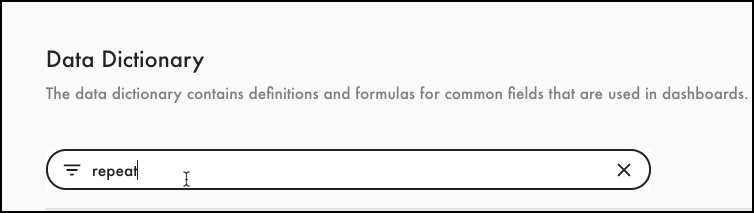
Tip: Search on the dashboard name to show all terms for that dashboard. Or, bypass the filter entirely and select a column of the Data Dictionary to change its sort order and view "like" items. - Check the Dashboard column to confirm that the field corresponds to the correct Retail Dashboard
- Refer to the Description and Formula columns for the field definition
Related articles
Find definitions for Direct Access fields
Comments
0 comments
Please sign in to leave a comment.